
 Parker Conley
 Claude
A practical rollout: start with one pool, practice a complete entry, and make the handover from the binder explicit.
Inventory the binder before replacing it
Lay out the forms your team uses today. Separate water-test entries from equipment checks, incident reports, and other facility records. A digital water log may replace one form without replacing the entire binder.
List the fields and reports you need, including anything required by your facility’s operating procedures. Confirm that electronic records and the proposed export format are acceptable for your facility before retiring paper. Keep the old records according to the retention requirements that apply to you.
Pilot one pool with the people who log it
Choose one pool and a small group from different shifts. Set up the pool with a clear name, configure its ranges to match your facility’s approved procedures, and print the QR sign. Place the sign where staff actually perform or record the test.
Give each staff member their own PIN. Walk through scanning the sign, opening the page, entering a reading, and finding that entry in the manager’s history. Practice using the demo first so training entries do not end up in your operating records.
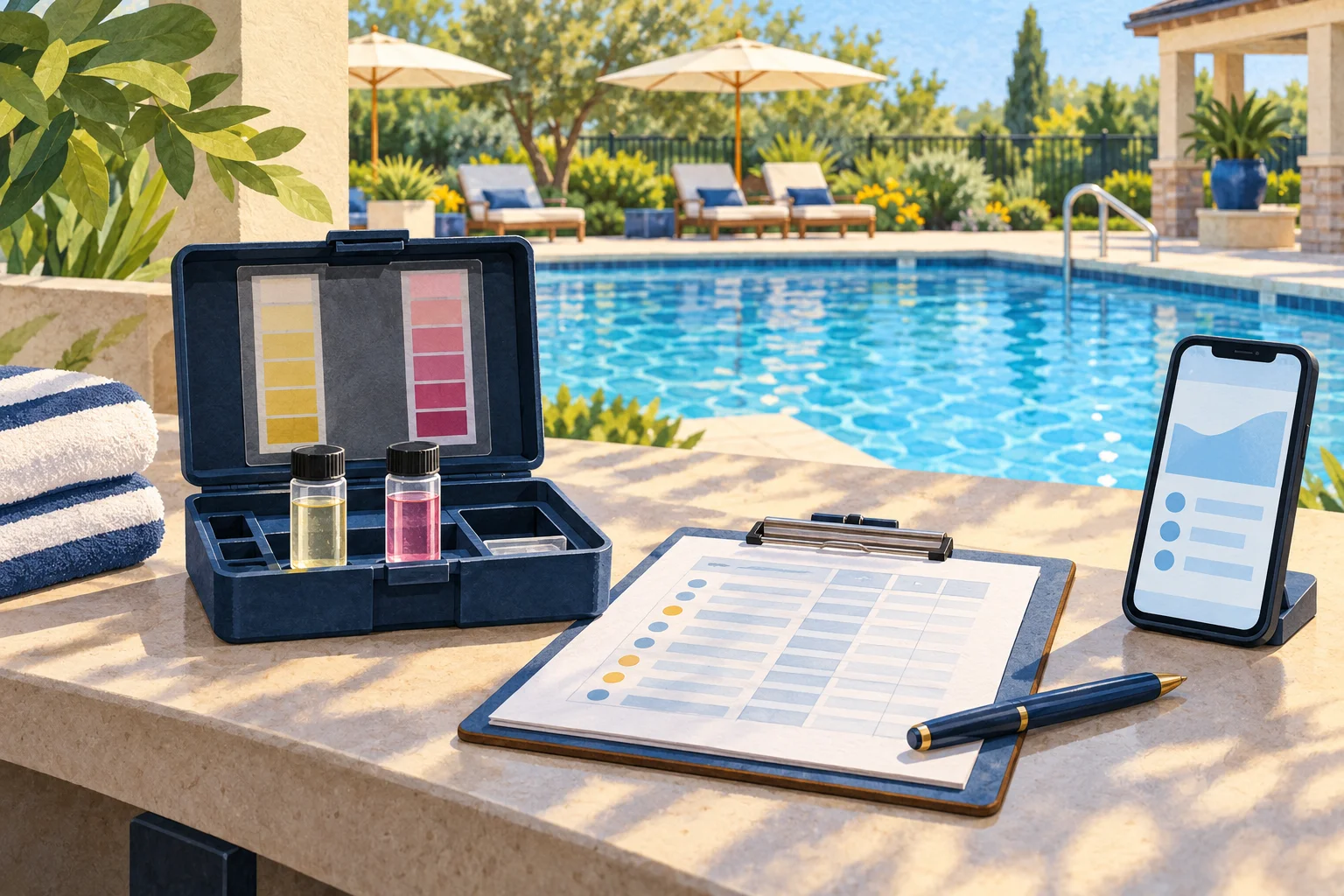
Test the awkward moments
Try the workflow on the phones your staff use, at the test station, with the connection available there. SwimmingPoolLog runs in the browser and needs connectivity to save readings. Establish a fallback procedure for connection problems and a clear way to reconcile temporary records.
Check how a substitute staff member gets access, how managers deactivate a departing employee’s PIN, and how a replacement QR sign is issued. Make sure everyone knows who to contact when they cannot save an entry.
Choose a clear cutover and verify the export
Set an explicit date and shift for the new process. Tell the whole team where the official record lives and how any temporary paper entries will be handled. Avoid an indefinite period where half the team uses the binder and half uses the phone.
Download a CSV and open it in the spreadsheet software your manager uses. Check pool identity, timestamps, readings, and staff attribution against a few saved entries. Confirm that the output supports your review process before extending the rollout to other pools.
At the end of the pilot, ask each shift what slowed them down. Fix sign placement, naming, or training issues first. Then repeat the same setup for the next pool rather than changing the process at every site.
Less paperwork.
More poolside.
Give every pool a QR sign and every shift a clear record. Start with one pool and see how it fits your team.
Start your free trial →7 days free · No card needed · $15 per pool / month
Try the interactive demo